
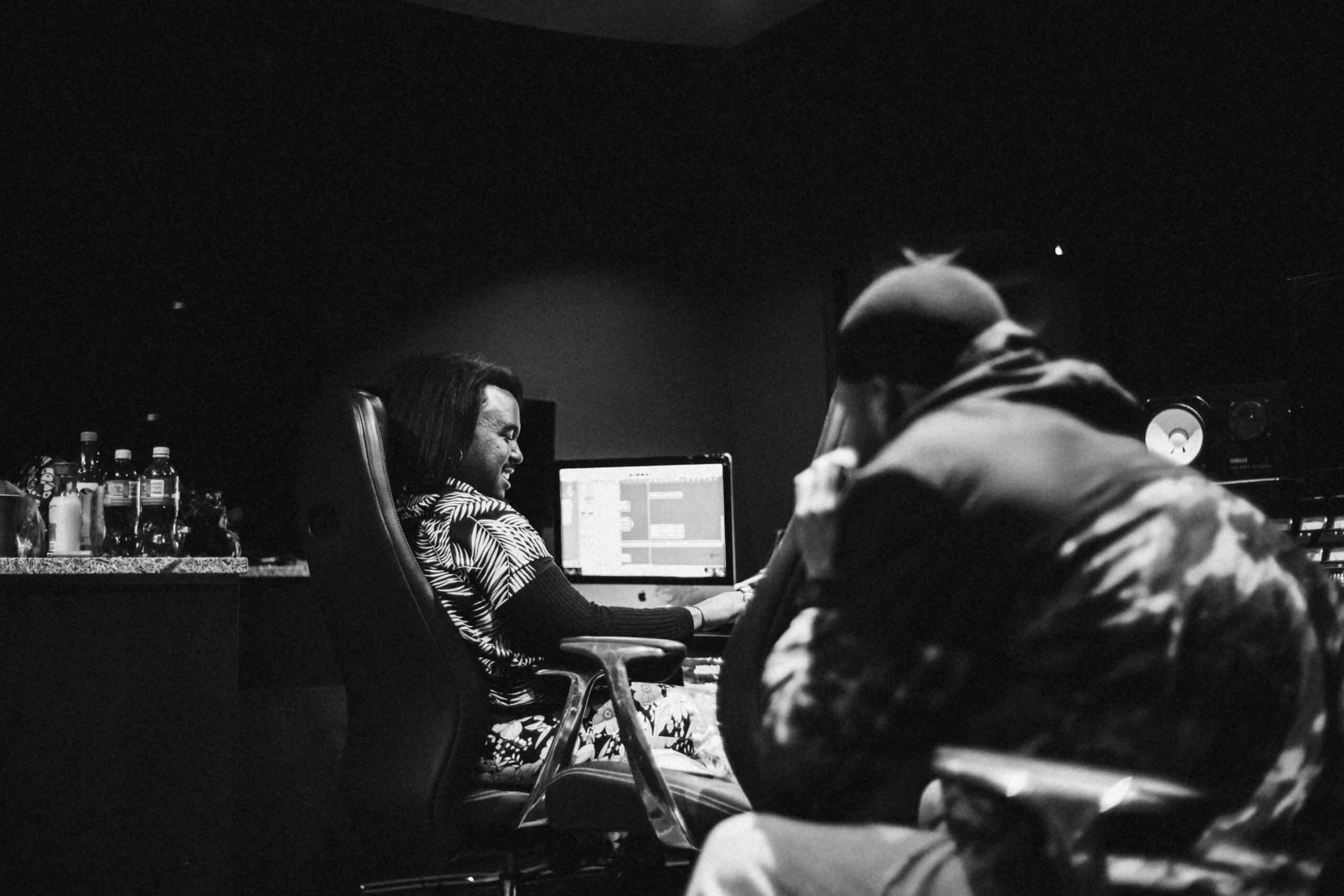
You’re in L.A., the co-producer’s in Lagos, the vocalist’s cutting takes in Amsterdam, and the A&R is iMessaging notes from London. Time zones shouldn’t kill the vibe—or the deadline. Use these seven battle-tested tricks to keep every stem, comment, and coffee-fueled idea moving in perfect sync.
1. Lock a “Universal Midnight”
Pick one daily cut-off hour—say 23:59 UTC—when everyone agrees new files must be uploaded.
- Nobody wakes up to six competing folder versions.
- Easy to see who missed the bus (and why).
Tool tip: Google Calendar lets you create a shared world-clock sidebar so 23:59 UTC isn’t a mystery.
2. Name Files Like a Narc
songname_2024-07-24_2359utc_keybusrender_v3.wav might look obsessive—but it means zero “which version is this?” DMs.
- Date-time stamp in UTC.
- Descriptive bus/instrument tag.
- Incrementing
v#counter.
3. Stack Vocal Takes the Same Way, Every Time
Whether you’re on Logic, Ableton, or Pro Tools:
- Lead vox = pink lane.
- Doubles = yellow.
- Harmonies = green.
Color-coding keeps remote engineers from soloing the wrong lane at 3 a.m.
4. Use Comment Timestamps, Not Paragraphs
Instead of “Bridge feels empty; maybe add pads?” drop:
@ 2:14 – needs airy pad layer
Micro-comments sit exactly where the fix goes—no hunting.
TrackBloom links make that native; no extra plug-ins, no email chains.
5. “Slow-Chat” Your Feedback
Async beats insomnia:
- Threaded channels for arrangement, mix, artwork.
- Emoji ack = “saw this, working on it.”
- Typed replies only after a complete listen—prevents half-baked hot-takes.
Slack, Discord, or Telegram—pick one and stay there.
6. Two Rounds, Then Freeze
Round 1: creative notes
Round 2: surgical tweaks
Round 3? Only if someone pays overtime.
Creative momentum dies when revisions hit double digits.
7. Watermark Early Bounces
Low-res MP3 + subtle vocal tag every 20 seconds.
Keeps Dropbox previews from leaking, but still lets the team vibe the record in the gym.
Bring It All Together
Set the universal midnight, label every render, tag feedback exactly where it counts, and watch your cross-continent collab feel like everyone’s in the same room.
Need a single hub that handles expiring links, version tags, and time-stamped comments out of the box? Drop your next session into TrackBloom and let geography become a non-issue.
Your track is global—your workflow should be too.