
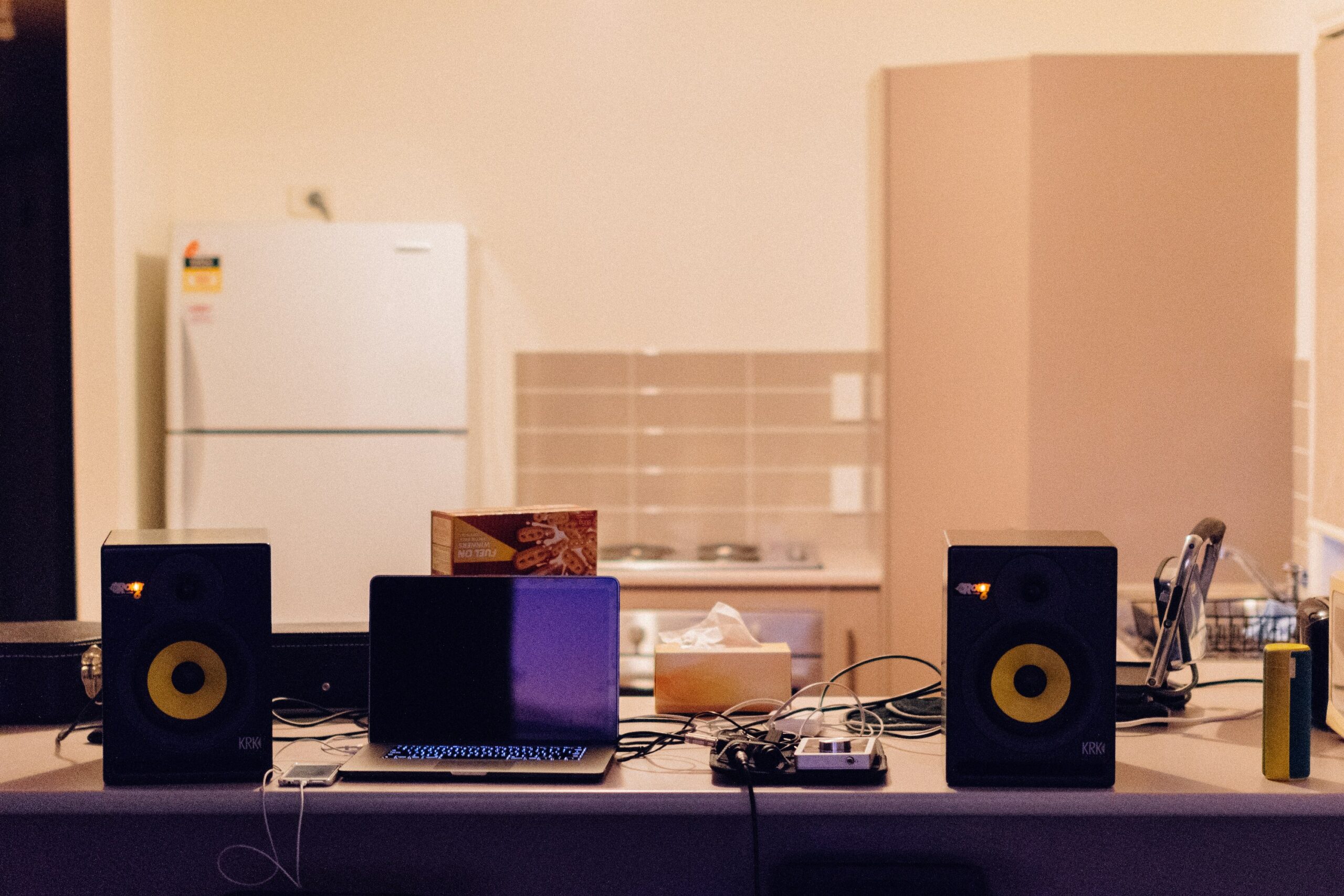
Every mix engineer has lived this moment. You spend hours balancing a track, printing your bounce, and sending it off. The mix sounds great on your monitors. It checks out on your headphones. You feel good about it.
Then your client texts you: “Hey, the vocals sound kind of buried when I play it in my car.” Or worse: “The low end is way too loud on my AirPods.” Suddenly a mix you were confident about has a problem, and you are stuck defending work that genuinely sounded right in your room.
This is a mix translation problem. And it is one of the most common reasons clients lose confidence in their engineer, even when the technical work is solid.
Mix translation is the ability to make a mix sound balanced, clear, and intentional across every playback system your client will use. Phones, laptops, car stereos, earbuds, Bluetooth speakers, club PAs. Your client is not listening in your treated room. They are listening on whatever is closest to them, and that is where they form their opinion of your work.
The good news: mix translation is a learnable system, not a gift. Engineers who translate consistently are not doing anything magical. They have built habits and reference points that catch problems before the mix ever leaves the studio.
Why Mix Translation Problems Cost You More Than Revisions
A bad translation does not just mean an extra revision round. It damages trust.
When your client hears something different from what you described, they start second-guessing your ears. They wonder if you actually listened to their reference tracks. They wonder if your room is good enough. They wonder if they should have gone with someone else.
None of that might be fair. But it is real.
Engineers who struggle with mix translation end up doing more free revisions, getting fewer referrals, and spending more time on each project than they should. On the other hand, engineers whose mixes consistently sound right on the first listen build a reputation that brings repeat clients. The mix translates, so the client trusts the process.
For that reason, treating mix translation as a core business skill is just as important as treating it as a technical one.
Your Room Is Lying to You (And That Is Normal)
Every room colors the sound. Even well-treated rooms have personality. The question is not whether your room is lying to you. It is whether you know how it lies.
Low frequencies are the biggest offender. Small rooms exaggerate or cancel bass at specific frequencies depending on room dimensions and speaker placement. If your room has a bass buildup around 80 Hz, you will instinctively mix the low end quieter to compensate. The mix sounds balanced in your room, but when your client plays it on a system with flat bass response, the low end disappears.
The same thing happens in reverse. If your room absorbs too much low-mid energy around 200 to 400 Hz, you might push warmth into the mix that sounds great at your desk but muddy everywhere else.
Here is how to start mapping your room’s behavior:
Play three or four songs you know extremely well on your monitors. Not songs you mixed. Songs you have heard hundreds of times on dozens of systems. Pick tracks with clear, well-defined low end, present midrange, and detailed highs. Listen carefully to how they sound in your room versus how you know they sound everywhere else.
Write down the differences. Does the kick feel louder than you expect? Does the vocal sound thinner? Does the high end feel harsh or dull? Those differences are your room’s signature, and once you know them, you can compensate while mixing.
This is not a one-time exercise. Do it regularly, especially if you change monitors, move furniture, or add treatment. Your room’s personality shifts over time.
Reference Tracks Are Not Optional
If you are not using reference tracks during every mix, you are relying entirely on your room and your memory. Both are unreliable.
A reference track is a commercially released song in a similar genre and energy level to the track you are mixing. You are not trying to copy it. You are using it as a compass. When you have been staring at the same session for three hours and your ears are fatigued, a quick A/B against your reference resets your perspective instantly.
Here is how to make reference tracks actually useful instead of just a checkbox:
Pick two or three references per project, not ten. Choose tracks your client has mentioned as sonic benchmarks, or tracks that share the same instrumentation and vibe. More than three and you lose focus.
Level-match your references to your mix. This is critical. If your reference is louder, it will always sound better. Pull it down to match the perceived loudness of your session so the comparison is honest.
Compare specific elements, not the overall vibe. Ask yourself: where does the kick sit relative to the vocal? How wide is the stereo image in the chorus? How much air is on the top end? These targeted comparisons are far more useful than “does my mix feel as good as this one?”
Check your references on multiple systems too. If a reference track sounds different on your monitors versus your headphones, that tells you something important about how your monitoring chain colors the sound.
The Multi-System Check That Actually Works
Most engineers know they should check their mix on different systems. Fewer have a repeatable process for it.
Here is a simple workflow that catches the majority of mix translation issues before you send anything to a client:
Start with your primary monitors. This is where you do the creative work and the detailed balancing. Trust them for decisions about EQ, compression, and spatial placement.
Switch to headphones for detail work. Headphones reveal artifacts that monitors can hide: clicks, breaths, timing issues, reverb tails that ring too long. They also expose the center of the stereo field clearly, which is useful for checking vocal presence and kick-snare balance.
Check on a single small speaker or your phone. This is the mono and midrange clarity test. If the vocal disappears or the mix sounds thin on a phone speaker, your midrange balance needs work. Most of your listeners will hear the track on something close to this quality level.
Do a car check if you have access to one. Car stereos are surprisingly revealing for low-mid buildup and bass balance. The enclosed space and close proximity to speakers make it easy to hear when something is off in the 100 to 300 Hz range.
The key is to not make changes on every system. Listen everywhere, then go back to your primary monitors and make adjustments there. If you start tweaking in headphones and then tweaking again in the car, you will chase your tail. Use secondary systems for diagnosis only, and treat your monitors as the one place where you make decisions.
Mono Compatibility Still Matters
Checking your mix in mono might feel old-fashioned, but it reveals problems that stereo listening hides.
When two signals that are panned wide have phase cancellation between them, the stereo image sounds fine but the mono sum loses energy. This is common with doubled guitars, stereo synths, and wide reverbs. In mono, those elements thin out or disappear entirely.
Why does this matter for your client? Because Bluetooth speakers, phone speakers, and many club systems sum to mono or near-mono at certain frequencies. If your client plays the mix on a portable speaker and the guitars suddenly sound half as loud, that is a mono compatibility issue. They will not diagnose it as such. They will just think the mix sounds wrong.
Flip to mono periodically while mixing. If anything important drops out, narrow the stereo width on that element or check for phase issues. A mix that holds up in mono will almost always sound great in stereo. The reverse is not true.
Low End: Where Mix Translation Falls Apart for Most Engineers
If you survey engineers about their most persistent translation problem, low end wins every time. There is a reason for that.
Low frequencies are the hardest to monitor accurately in small rooms. They are also the most variable across playback systems. A car stereo reproduces sub-bass that a laptop speaker cannot even attempt. Club systems push low end that headphones only approximate. Your client might listen on all of these within the same day.
A few practical approaches that help:
Use a spectrum analyzer as a sanity check, not a mixing tool. Pull up a metering plugin on your master bus and compare the low-end energy in your mix to your reference track. You are not trying to match it exactly. You are looking for obvious problems, like a 6 dB spike at 60 Hz or a shelf that drops off way too early.
High-pass more than you think you need to. Instruments that have no business carrying sub-bass information (vocals, guitars, keys, hi-hats) often have low-frequency energy that muddies the mix without you noticing. A gentle high-pass at 60 to 100 Hz on everything except the kick and bass cleans up headroom and improves translation immediately.
Be careful with bass enhancement plugins and sub-harmonic generators. They can sound impressive in a treated room but cause serious problems on systems that reproduce those frequencies differently. If you use them, check the result on multiple systems before committing.
Ear Fatigue Wrecks Your Translation Judgment
After three or four hours of mixing, your ears adapt to whatever is in front of them. High-frequency sensitivity drops first, which is why mixes that were worked on for too long tend to be bright. You keep pushing the top end because you stop hearing it as clearly.
This is not a willpower problem. It is physiology. Your ears literally get tired.
The fix is simple but hard to follow: take breaks. Step away from the speakers for ten to fifteen minutes every hour. When you come back, listen to your reference track first before touching anything in the session. That recalibrates your ears and prevents you from making decisions based on fatigue rather than the actual mix.
Some engineers do their most critical translation checks first thing the next morning, before they start any new work. Fresh ears catch problems that fatigued ears missed the night before. If you have the luxury of time before a delivery deadline, sleeping on a mix before sending it is one of the most effective quality control steps you can take.
What to Do When Your Client Hears Something Different
Even with a solid translation workflow, clients will sometimes hear things you do not. Their playback system, their room, and their expectations all factor in.
When a client says “the bass sounds too loud,” resist the urge to immediately open the session and turn the bass down. Ask a few questions first. What are they listening on? Where are they listening? Have they compared it to a reference track they like?
Sometimes the “problem” is their playback system, not your mix. A client listening on bass-heavy Beats headphones will perceive more low end than what is actually there. A client in an untreated bedroom might hear mid-frequency buildup that does not exist on other systems.
You are not dismissing their feedback. You are gathering context so you can make the right adjustment (or explain why the mix is actually balanced). This is where tools like session.trackbloom.com help. When clients can leave timestamped comments on specific moments in the mix, their feedback becomes something you can actually act on instead of interpreting a vague text message.
The best approach is to check their note against two or three of your own playback systems. If you hear it too, fix it. If you do not, explain what you are hearing and ask them to check on a different system. Most of the time, a short conversation resolves it without a full revision.
Building a Mix Translation Routine You Can Repeat on Every Project
Mix translation is not a checklist you run once at the end. It is a set of habits you build into every session.
Use references from the start of the mix, not just at the end. Check secondary systems at the rough mix stage, not just the final bounce. Flip to mono periodically throughout the session, not just before printing.
Over time, your ears learn to anticipate translation problems before they happen. You will start hearing when the low end is building up in a way your room cannot show you, or when a vocal is sitting in a range that will get lost on smaller speakers. That intuition is not talent. It is pattern recognition from doing the checks consistently.
The engineers who get mixes approved on the first listen are not necessarily better at EQ or compression. They are better at making sure what they hear in their room is what the client hears in theirs. That consistency is what keeps clients coming back, and it is what turns a one-time project into a long-term working relationship.